

How to Block a Lost or Stolen Debit Card on Mobile
Contents
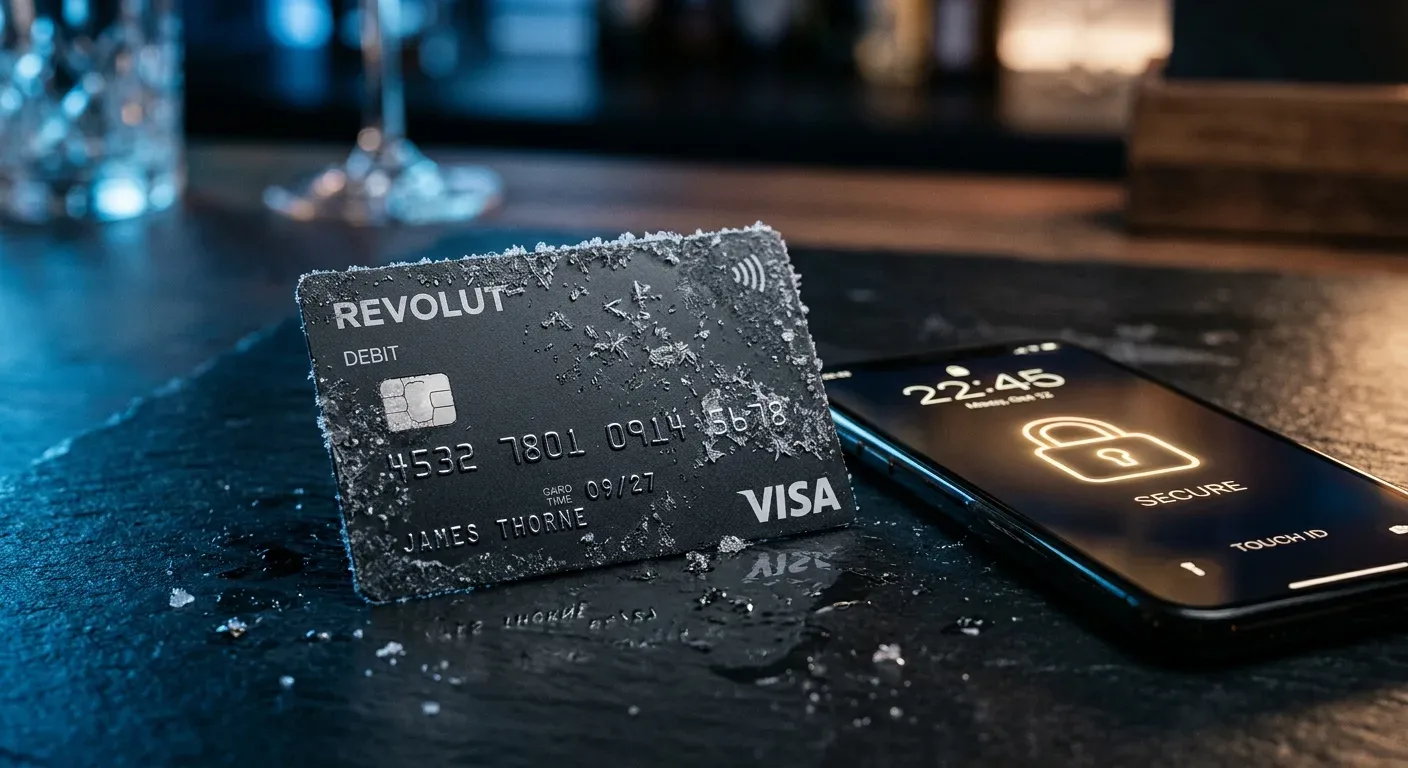
If your debit card goes missing, lock it right away. Anyone who picks it up can make contactless purchases or order items online before you notice the missing funds.
Temporary freeze vs. permanent cancellation
Banking apps usually give you two options:
- Temporary Lock (Card Freeze): Use this if you misplaced the card at home, in the office, or in your car. It stops new transactions right away, and you can turn the card back on once you find it.
- Permanent Cancellation (Lost/Stolen Report): Use this if you lost the card in public or suspect theft. The bank deactivates the card number permanently and issues a new card with a fresh expiration date and security code.
How to block your debit card in the app
To lock the card through your banking app:
- Open your bank's mobile app and sign in.
- Go to the Cards or Manage Cards section.
- Select the debit card you want to secure.
- Tap Lock Card or Freeze Card for an immediate, reversible hold.
- If the card was stolen, select Report Lost/Stolen or Cancel Card to close it permanently.
- Save the confirmation screen or reference number.
Reviewing transactions and filing fraud disputes
Freezing the card stops future charges, but it does not open a dispute for payments that already went through. You still need to review your statement.
- Look over posted charges, pending authorizations, small test transactions, and ATM withdrawals made since you last used the card.
- Write down the date, time, merchant name, and amount for any charge you do not recognize.
- Submit a Transaction Dispute through customer support or the app's help center, citing your card cancellation reference number.
Handling lost phones and SIM cards
If your phone went missing along with your wallet, call your bank immediately to revoke active app sessions and unpair the device. Then contact your mobile carrier to suspend the SIM card so no one can intercept one-time verification codes sent by text message.
Related posts

Opening a Time Deposit Account and Calculating Returns
Learn how to open a fixed deposit account via mobile or online banking, with daily and monthly return formulas and withholding tax rules.
How to Open a Silver Account and Buy Silver
Learn how to open a digital silver account and buy silver through mobile banking. Review minimum limits, pricing spreads, and bank requirements.

Bending Spoons Acquires Mailchimp for $3.68B
Bending Spoons is acquiring Mailchimp from Intuit for $3.68 billion, down from the $12 billion Intuit paid for the platform in 2021.