
How to Check MSB PERTEM Applications and Results
Contents
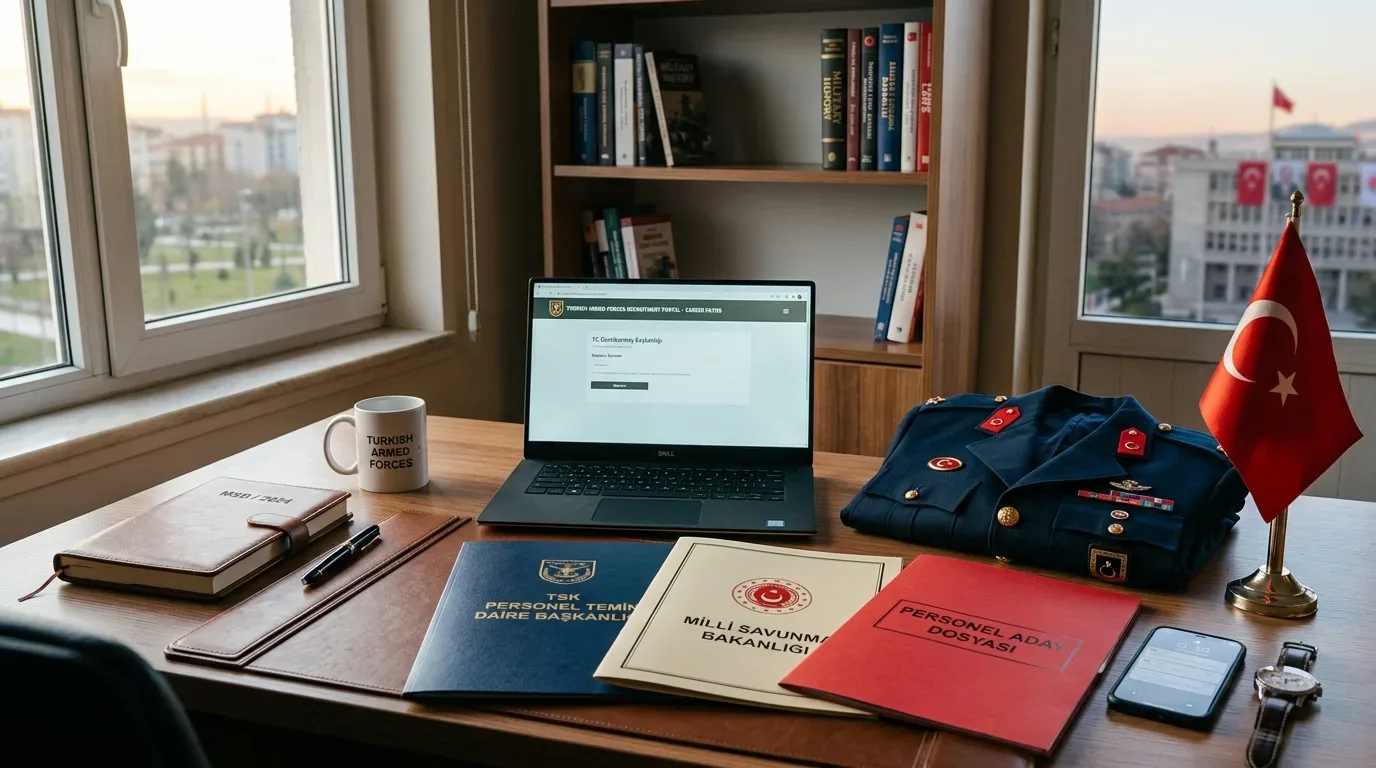
The Personnel Recruitment Department of the Ministry of National Defense (MSB PERTEM) handles recruitment for officers, non-commissioned officers, specialist sergeants, contracted privates, and civil servants in the Turkish Armed Forces. Applicants can submit forms and track each selection phase on the portal.
Logging in to MSB PERTEM
You can access the portal in two ways:
- Go directly to personeltemin.msb.gov.tr.
- Or search for MSB Personel ve Öğrenci Temin Sistemi on the e-Devlet Kapısı portal.
- Sign in using your T.C. ID Number and e-Devlet Password, or use an alternative method such as Mobile Signature, Electronic Signature, or Internet Banking.
Submitting an application
Follow these steps to apply for open positions:
- Log in and check open listings and requirements under the Duyurular tab.
- Select the position you qualify for across the Land, Naval, Air Force, or Special Forces commands.
- Update your contact, education, and military service details in the candidate form, then save and confirm your application.
Checking selection stages and results
The portal publishes dates and results for document checks, physical exams, interviews, and final placements.
- Log in and open your candidate dashboard to view your application history.
- Find your active application to check exam call notices, testing locations, and stage results.
- When final placements are released, check whether you are listed as primary (Asil) or reserve (Yedek), and follow your medical board and security check status from the same screen.
Related posts
How to Check and Pay GSS Health Debt via e-Devlet
Learn how to query and pay your Turkish General Health Insurance (GSS) debt on e-Devlet, with online payment methods and exemption rules.

e-Devlet Residence Certificate and Address Change
Steps to obtain a residence certificate and report an address change online via e-Devlet within the mandatory 20-business-day window.

POLSAN Membership, Aid, and Loan Status Guide
Learn how to check your POLSAN membership status, estimate retirement benefits, and review loan limits via POLSAN Arti and the call center.