
How to Create AI Videos for Free
Contents
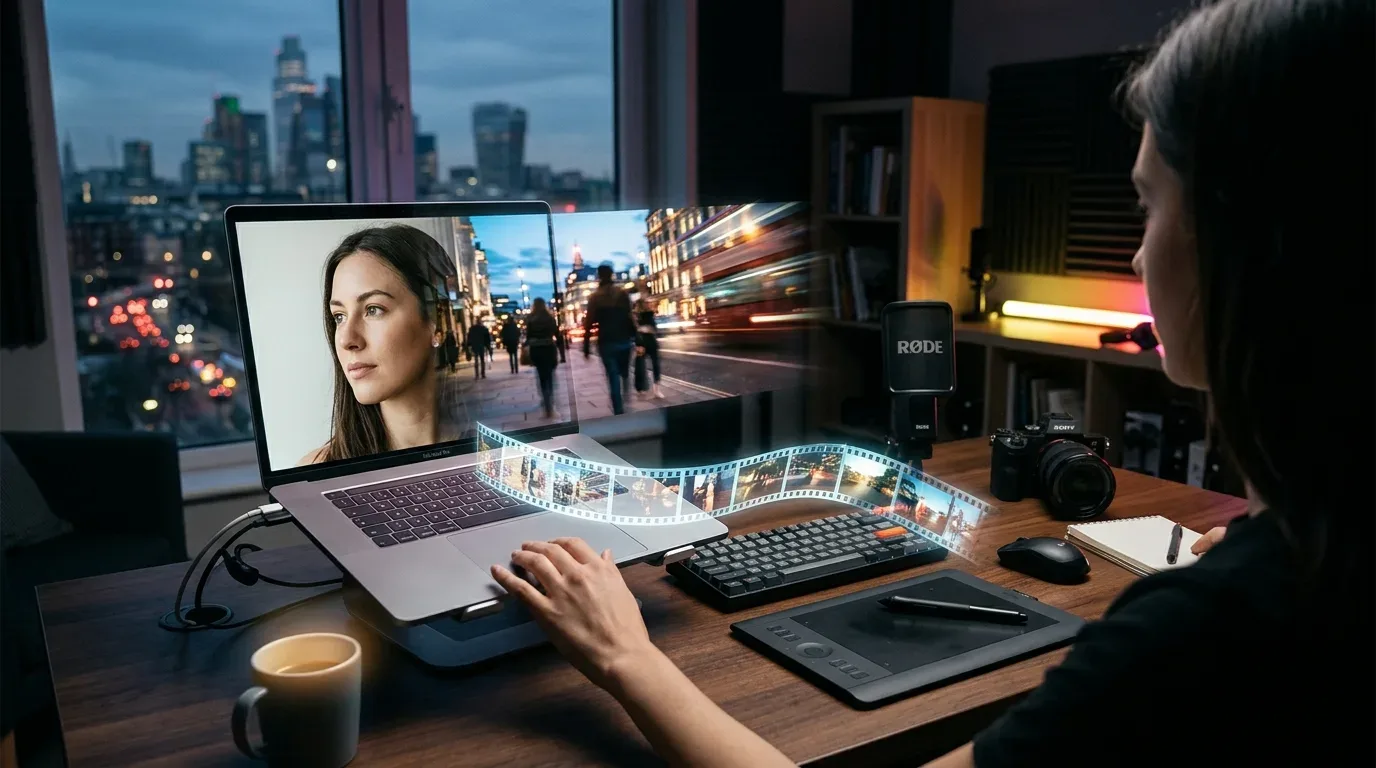
AI video generators can turn plain text descriptions or still photos into short video clips with voiceovers and captions. You do not need specialized hardware or editing experience to get started, as most tools run entirely in a web browser.
Common ways to generate AI videos
Most platforms offer three primary creation workflows:
- Text-to-Video: You enter a scene description or script, and the model creates the footage from scratch.
- Image-to-Video: You upload a photo or illustration, and the software adds camera pans, motion, and depth.
- Talking Avatars: You provide a portrait and a script, and the tool animates the face with lip-synced audio.
Step-by-step: creating your first free AI video
Here is how the basic workflow works across tools like Canva, VEED.IO, Kapwing, and Renderforest:
- Choose a Platform and Sign Up: Create an account on your chosen platform. Most offer introductory credits without asking for payment details.
- Select the Aspect Ratio: Set dimensions based on where you plan to post. Use 9:16 for vertical formats like TikTok, Reels, and Shorts; 16:9 for horizontal YouTube uploads; or 1:1 for square feed posts.
- Input Your Prompt or Reference Media: Describe the scene plainly, noting the subject, action, camera angle, and visual style. If the tool allows reference images, upload one to help guide the visual output.
- Apply Voiceover and Captions: Pick a voice, convert your script with text-to-speech, and turn on auto-generated subtitles.
- Refine on the Timeline and Export: Trim clips on the timeline, adjust timing, and click Export to download the MP4 file.
Free tier limitations to keep in mind
Free plans work well for testing ideas, but they usually come with constraints:
- Credit Systems: Free accounts receive a set allowance of generation credits. Each render deducts credits based on length and resolution.
- Watermarks and Resolution: Free exports often cap resolution at 480p or 720p and place a small watermark in the corner.
- Clip Duration: Single generations rarely exceed 5 to 12 seconds. Building a longer video requires generating individual clips and assembling them on a timeline.
Related posts
Devin Bots: Autonomous Agents That Coordinate Software Workflows
Cognition released Devin Bots, a system that coordinates parallel coding sessions and built an entire Android app in 44 days with minimal human guidance.
Satya Nadella on why Microsoft offered buyouts to 60,000 workers
Satya Nadella explains why Microsoft offered buyouts to 60,000 employees as teams shift toward managing AI agents rather than writing manual code.
Nvidia Rules Out Jensen Huang's Return as CEO
Nvidia Board Chair Harvey Jones told investors the company has no plans to reinstate co-founder Jensen Huang as CEO following his resignation.