

How to Log In to ÖSYM AIS and Apply for Exams
Contents
The Candidate Transactions System (AİS) is the official portal run by the Student Selection and Placement Center (ÖSYM) in Turkey. Candidates use this system to apply for national exams such as YKS, KPSS, ALES, and YDS, as well as to submit school preferences and check scores.
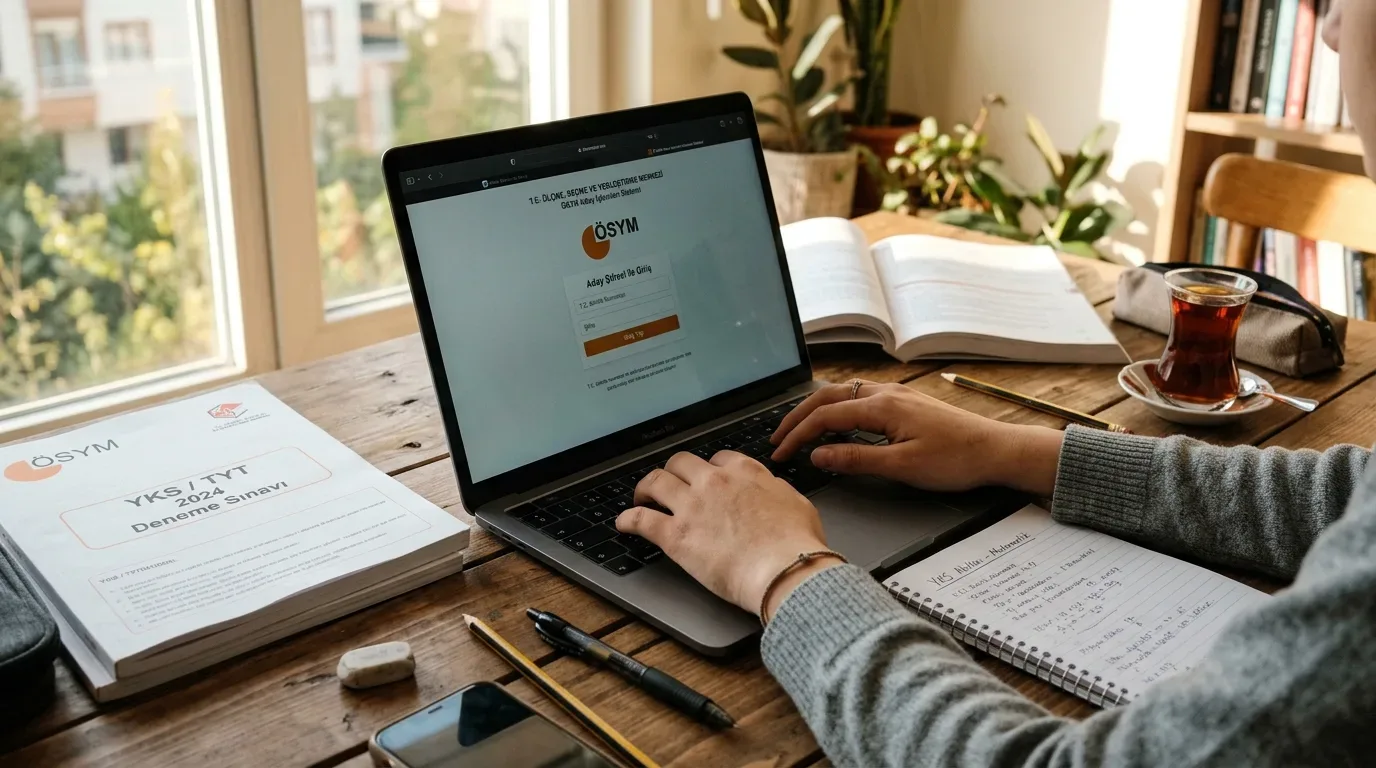
Authentication methods for ÖSYM AIS
You can access your account through two methods:
- ID Number and Candidate Password: Enter your Turkish identification number (T.C. Kimlik No) along with your ÖSYM password on the login screen.
- e-Devlet (e-Government) Gateway: Click the e-Devlet ile Giriş button to log in using an e-Government password, mobile signature, electronic ID card, or verified online banking account.
Step-by-step exam application process
When registration opens for an exam, submit your application using these steps:
- Log in to the official ÖSYM AIS portal.
- Select the exam from the active applications list on the main page.
- Verify your personal details and complete the required registration fields.
- Review the summary screen and click the confirmation button.
- Pay the exam fee before the published deadline so the system validates your entry.
Additional features available on AIS
The system remains in use after registration closes:
- Exam Entry Document (Sınava Giriş Belgesi): Once ÖSYM publishes exam venue assignments, you can download and print your entry document directly from the site.
- Results and Placement: Check your test scores, sub-test breakdowns, and central placement outcomes.
- Answer Sheet Review: When ÖSYM opens an exam to review, you can view your scanned optical form alongside the answer key.
- Profile Management: Update your home address, phone number, and academic history.
What to do if you forget your password
If you forget your password, use the password recovery link on the login page and answer the identity verification questions to set a new one. If the online reset fails, visit an official ÖSYM Application Center with your national ID card to receive a new password in person.