

Why a Monitor USB Hub Cut 2.5 Gbps Ethernet by 75%
Contents
Running peripherals through a monitor hub keeps desk cabling tidy. On high-speed local networks or multi-gigabit internet connections, however, small delays in USB packet delivery can cause noticeable throughput drops. In one setup with a symmetrical 2.5 Gbps link, download speeds dropped to 600 Mbps through a monitor hub because of USB 3 burst packet limits and buffer overflow.
600 Mbps download and 2.4 Gbps upload
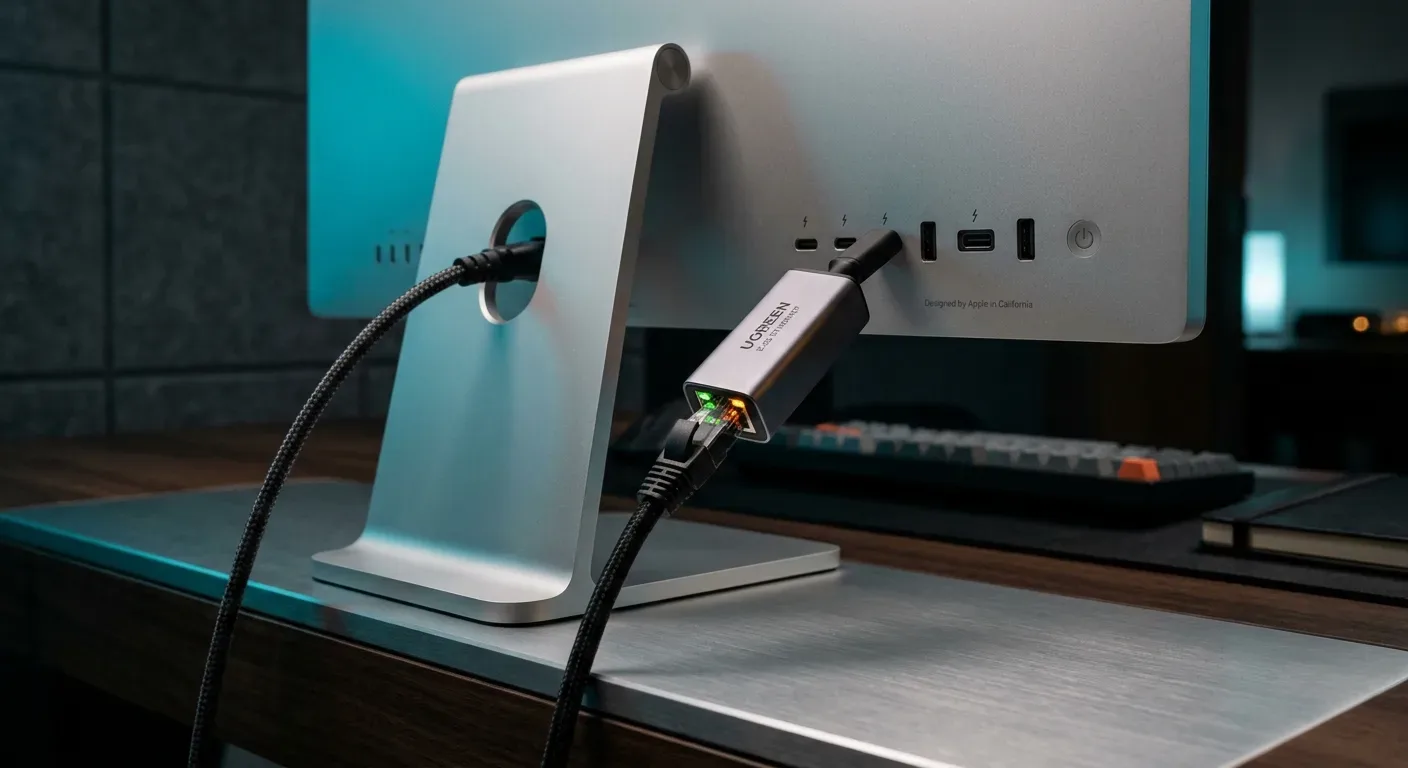
The problem showed up on a MacBook Pro connected to a Studio Display using a UGREEN 2.5G Ethernet adapter with a Realtek RTL8156B controller. Uploads reached 2.4 Gbps without issue, but downloads stalled around 600 Mbps. When plugged directly into the MacBook's Thunderbolt port, the same adapter hit 2.3 Gbps in both directions.
The macOS kernel logged no dropped frames. Pinging local hosts during active downloads, however, showed a 10% packet loss through the hub-connected adapter. The packets were dropping on the adapter's own controller before they ever reached the operating system.
USB burst limits and round-trip latency
Turning on Flow Control on the upstream router brought download speeds back up to 2 Gbps by buffering traffic on the router, but flow control adds latency spikes for time-sensitive traffic. Further testing with UDP streams showed that the RTL8156B could only push roughly 168,000 frames per second (about 2 Gbps) into the Mac when connected through the monitor hub.
USB 3 transfers data from peripherals in bursts: the device sends a set of packets, then waits for a host acknowledgment (ACK) before sending more. Passing through the monitor hub added roughly 7.6 µs of round-trip latency to each acknowledgment. Querying the USB descriptor showed that the RTL8156B was configured with a burst size of only 4 packets:
python3 -c "import usb.core; e = usb.core.find(idVendor=0x0bda)[0][(0,0)][0]; print('packet size', e.wMaxPacketSize, 'bMaxBurst', e.extra_descriptors[2])"
# RTL8156B Output:
packet size 1024 bMaxBurst 3
Incoming traffic arrived from the router at 2.5 Gbps, but the adapter could only drain about 2 Gbps to the Mac because of that ACK latency and the 4-packet limit. The resulting buffer overflow forced the adapter to drop packets. That in turn triggered TCP congestion control, which throttled the download down to 600 Mbps.
Upgrading to the RTL8157 controller
Switching to an adapter based on the newer Realtek RTL8157 controller resolved the bottleneck. Querying its USB descriptor shows the difference:
# RTL8157 Output:
packet size 1024 bMaxBurst 7
The RTL8157 sends 8 packets per burst instead of 4 and runs over a 5 Gbps physical link. Even with the same 7.6 µs acknowledgment delay, the drain rate rises to roughly 4.5 Gbps. Because the adapter drains faster than the 2.5 Gbps line rate, the internal buffer never fills up and downloads run at full speed without needing flow control.