

How to Block Scam and Fraud Calls on WhatsApp
Contents
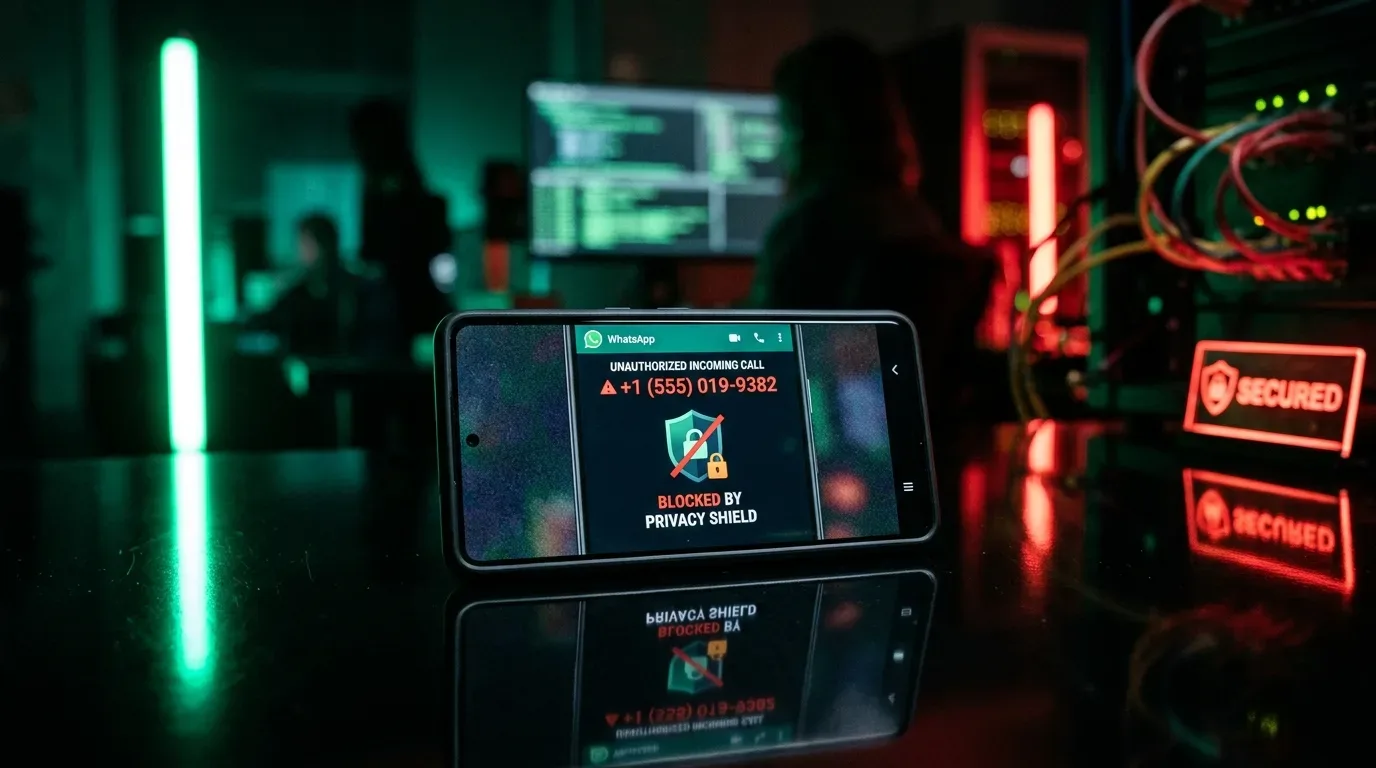
Calls from unknown international numbers offering fake jobs or prize claims target many WhatsApp accounts. You can manage these calls directly using the privacy options built into the app.
How to silence unknown callers automatically
WhatsApp has a setting that mutes calls from numbers not saved in your contacts. When enabled, incoming calls from unfamiliar numbers will not ring or vibrate, but they will still show up in your recent calls list.
- Open WhatsApp and go to Settings.
- Tap Privacy.
- Scroll down and select Calls.
- Turn on Silence unknown callers.
Blocking suspicious numbers directly
To stop a specific caller from messaging or calling you again, block the number directly:
- Open the chat with the suspicious number.
- Tap the phone number at the top to open Contact Info.
- Scroll to the bottom and tap Block.
- Tap Block again to confirm.
Note: Blocked contacts cannot see your online status, last seen, or profile photo updates. Blocking a contact in WhatsApp does not remove the number from your phone's address book.
Reporting scammers to WhatsApp
If an account sends spam or scam messages, you can report it to WhatsApp:
- Open the chat with the suspected account.
- Tap the contact info bar at the top.
- Scroll down and tap Report.
- Select Report and Block to send the report and end contact.
When you file a report, WhatsApp gets the last five messages sent to you by that number. The other user does not receive a notice that they were reported.
Related posts

How to Speed Up Slow Home Internet and Wi-Fi
Fix slow home internet and Wi-Fi drops with practical adjustments to router placement, frequency bands, DNS, and wired connections.

How to Fix the 0xc00007b Error on Windows
Fix the 0xc00007b application error on Windows. Practical steps for Visual C++ runtimes, DirectX, SFC scans, and ProcMon troubleshooting.

How to Track Live Weather Radar: Rain and Storm Guide
Learn how to read live weather radar maps. Follow Doppler echoes, decode precipitation colors, and calculate UTC time offsets accurately.