

Linux Kernel Compiled Directly to WebAssembly: Unkernel
Contents
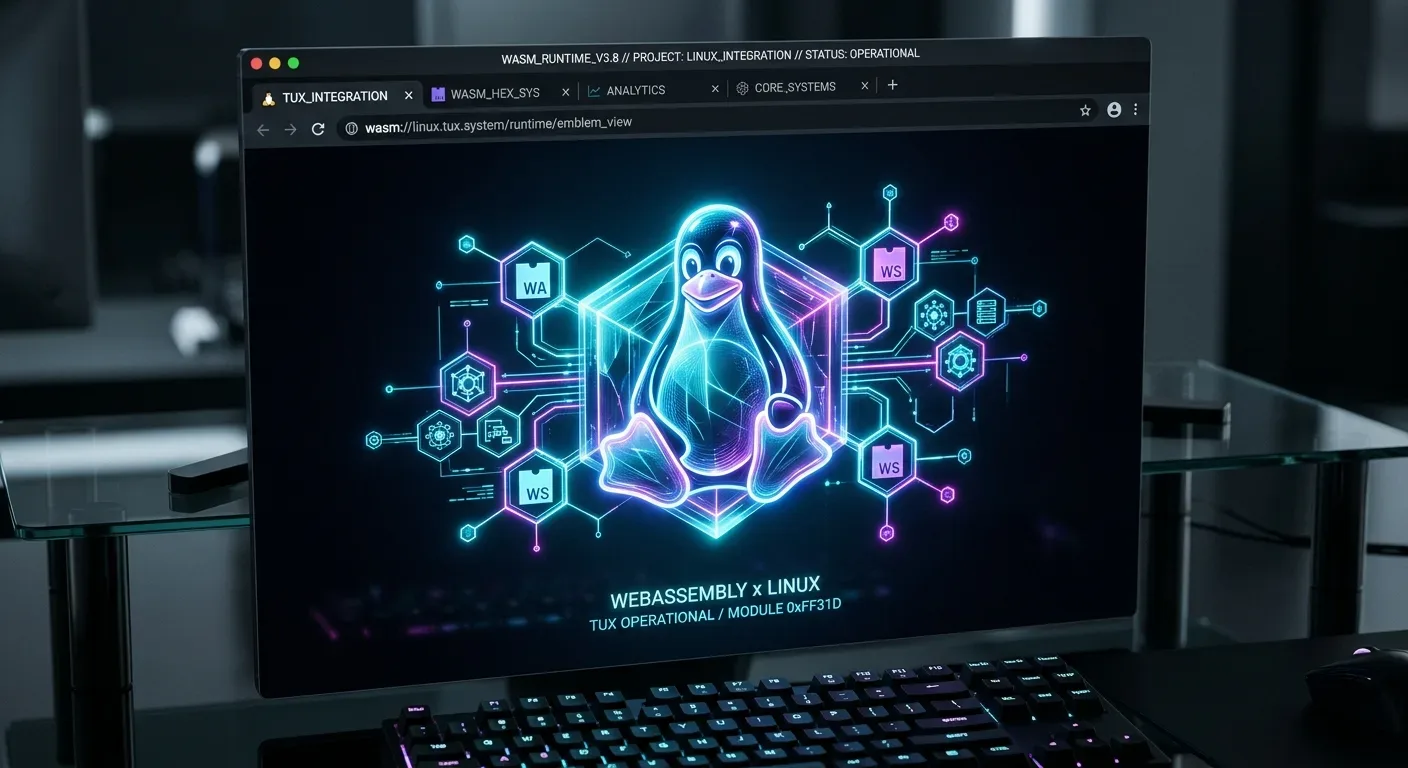
Running an operating system inside a web browser has usually required CPU emulation. Tools like v86, TinyEMU, and Jor1k emulate x86 or RISC-V hardware architectures in JavaScript or WebAssembly. Unkernel removes that emulation layer by compiling the Linux kernel directly to WebAssembly (Wasm).
How the non-emulated architecture works
Traditional emulators decode and translate every virtual instruction, creating high CPU overhead and noticeable latency. Unkernel compiles the kernel source code directly to a WebAssembly target, removing the virtual CPU layer. The kernel routines run directly inside the browser's Wasm engine, cutting instruction translation overhead and running close to native speeds.
# Traditional emulation path:
Browser -> JS/Wasm Emulator -> x86 Assembly -> Linux Kernel

# Unkernel direct execution path:
Browser -> Wasm Engine -> Linux Kernel (Native Wasm)
Browser requirements and early deployment issues
When the project was shared on Hacker News, initial tests ran into browser compatibility limits and hosting bottlenecks. The runtime depends on WebAssembly capabilities that are not yet standard across stable browser builds.
- Modern Engine Requirements: The project requires recent or experimental browser releases, such as Chrome or Edge 137+ and Safari 27+, to access newer Wasm thread handling and API sets.
- Asset Preloading Issues: Heavy traffic caused asset delivery failures during initialization, with core modules like boot.ts and the terminal bundle (wterm) returning 404 errors.
- Memory and Hardware Virtualization: Handling virtual memory, page tables, and context switching relies on newer Wasm memory extensions that are still evolving.
Practical uses for client-side environments
Although Unkernel is still experimental, it allows users to boot an isolated Linux environment inside a browser without connecting to a remote server. That setup works well for interactive documentation, security sandboxes, and web-based programming tutorials that require no local installation.
Related posts

How OpenAI Built a $100M Product with Autonomous Coding Agents
OpenAI built its ChatGPT ads engine with autonomous coding agents, reaching $100M ARR in six weeks without human-written application code.

Discord Rewrites Clients in Rust Using Zed's GPUI
Discord is dropping Electron and React Native for Rust and Zed's GPUI framework, reducing memory consumption and startup latency.

M365 Outage Triggers Chemical Poisoning at Resort
A Microsoft 365 outage delayed safety alert emails at a German resort, leading to chlorine gas poisoning for 15 guests. A breakdown of the architecture flaws.